
- via the YFLink Mobile App
- via the WeChat Mini Program








Search
/en/support/eclaims-submission/index.html

-

Medical

-

Accident & Disability
-

Critical Illness
Products
-
- Critical Illness Benefit
- Waiver of Premium / Payor’s Benefit
- Accidental Dismemberment Benefit
- Disability Income Protector Benefit
- Female Illness Benefit
- Juvenile Benefit
-
- Comprehensive Accidental Benefit / Comprehensive Accidental Benefit (I)
- Comprehensive Accidental Benefit Plus / Comprehensive Accident Benefit Plus (I)
- Integrated Accident Benefit
- Smart Kids Accident Protector / Smart Kids Accident Protector (I)
- Refundable Accident Protector / Benefit
- 360 Global Accident Protector
- 100% Reward For You Accident Protector
-
- Hospital Benefit / TaxVantage Plus Medical Plan / TaxVantage Medical Plan
- Hospital Income Benefit
- Extra Cancer Benefit
- Extra Cancer Care
- Prestige MediCare / Supreme MediCare
- VIP Worldwide MediCare / VIP Global MediCare
- TaxVantage Prestige Medical Plan
- Refundable Surgical Protector / Refundable Hospital Cash Plan
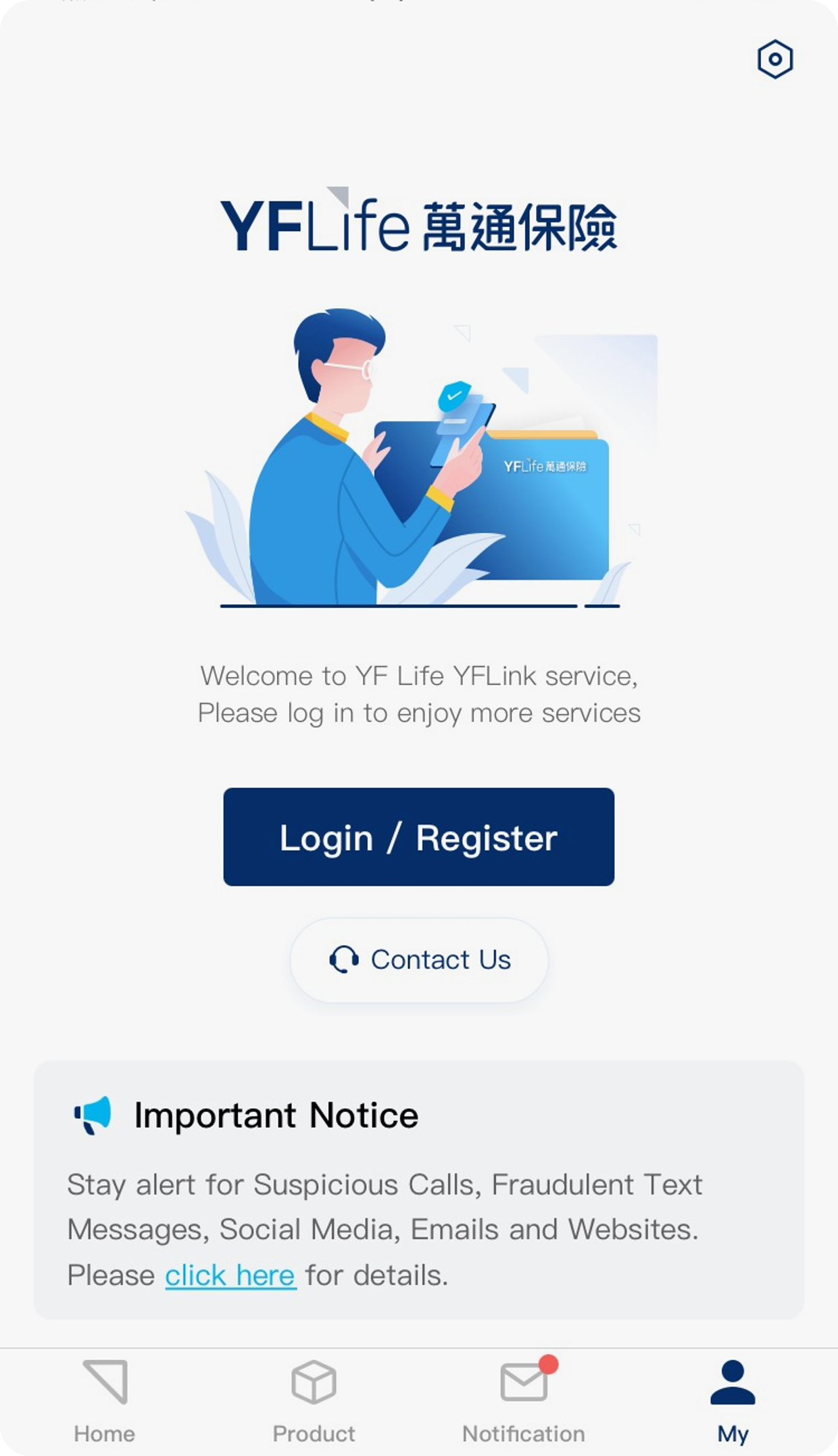

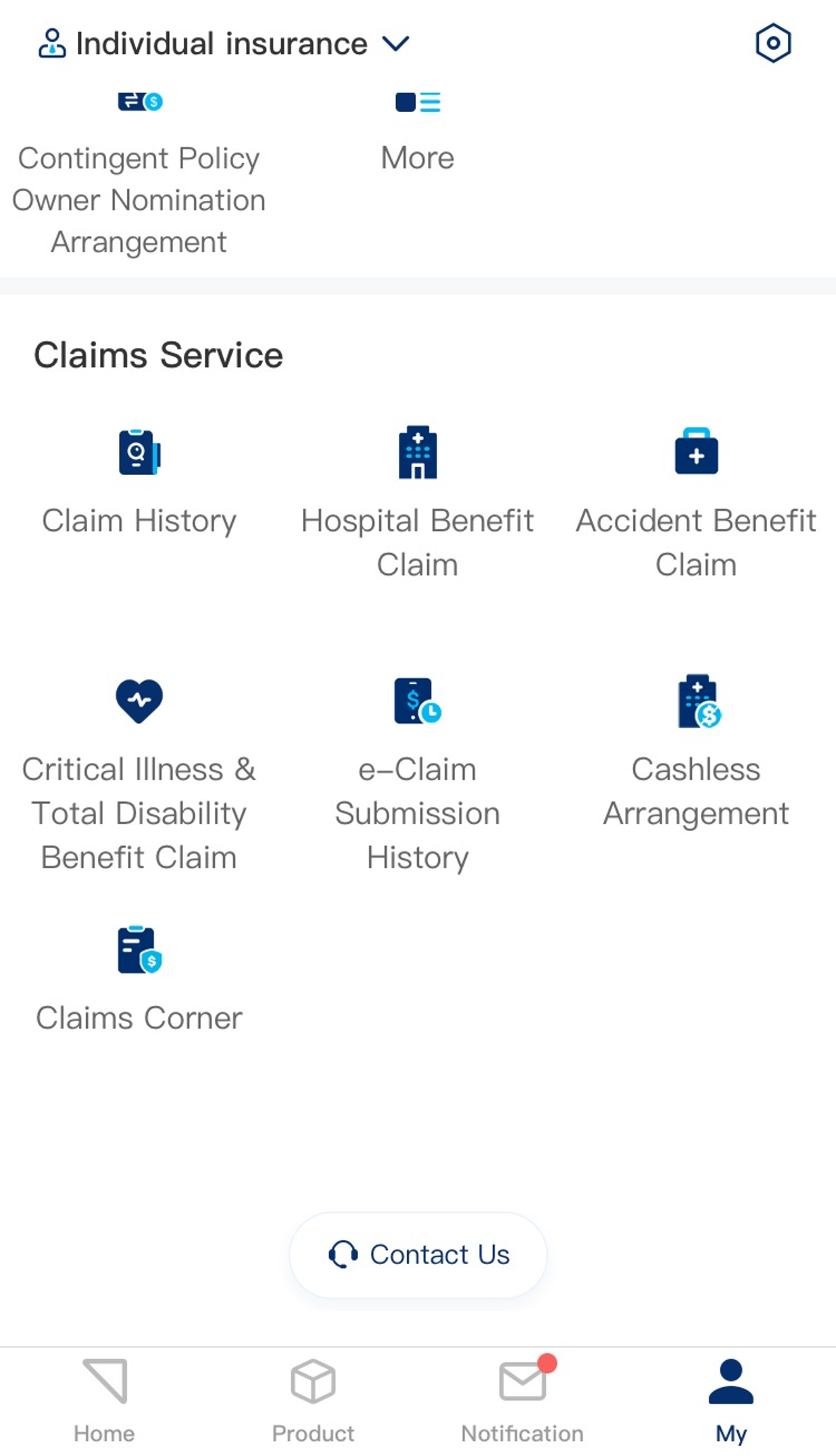

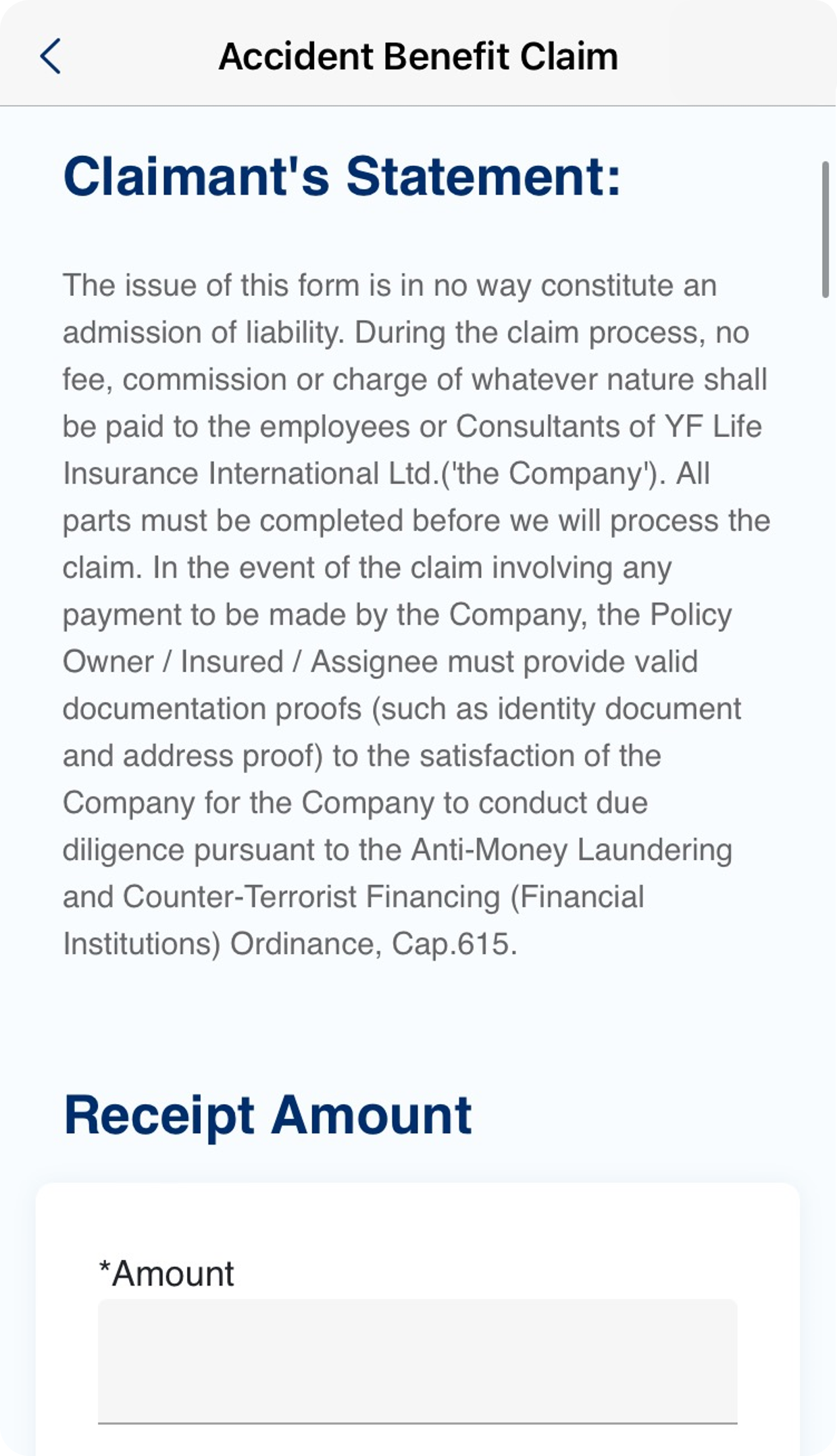

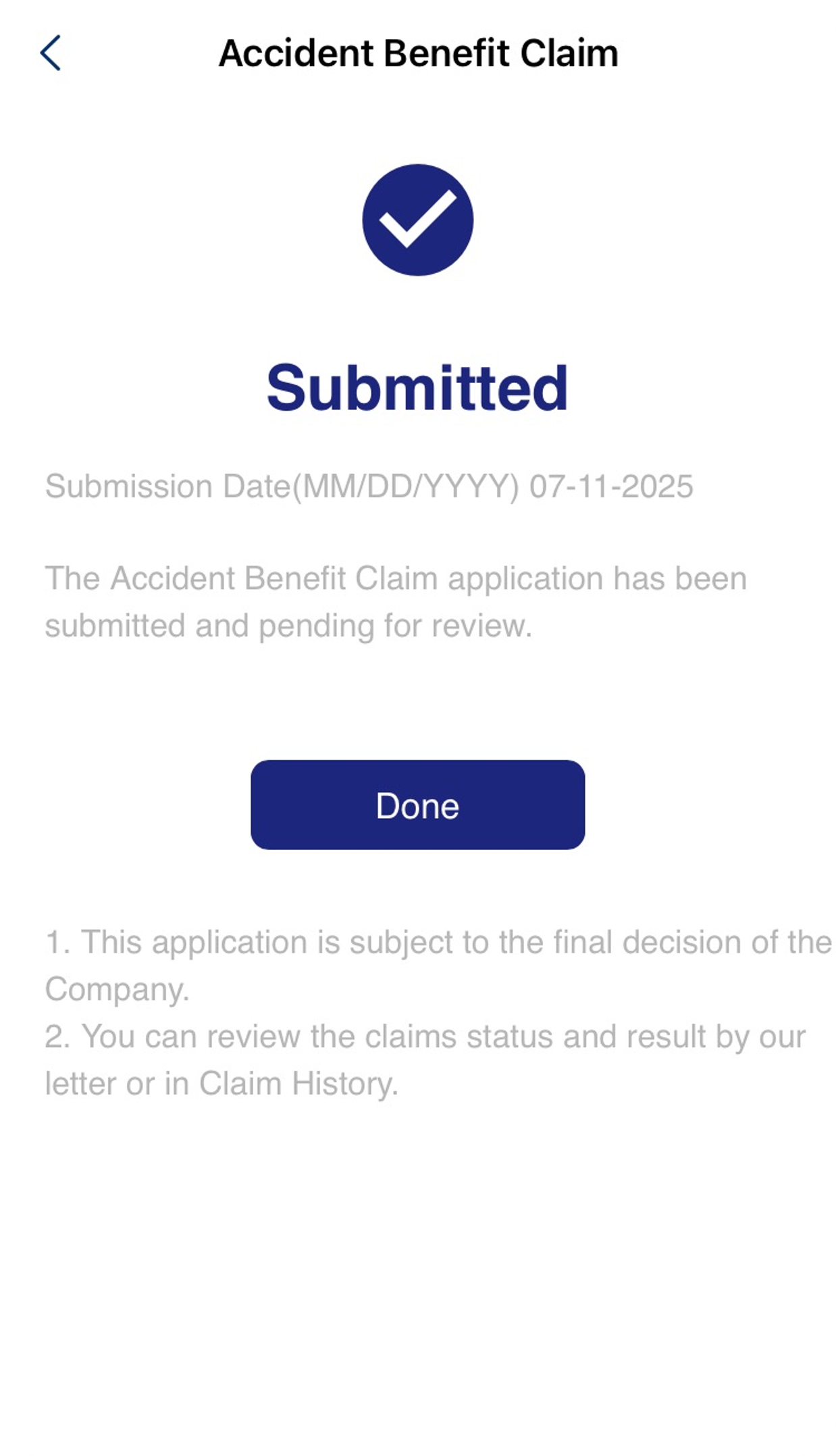


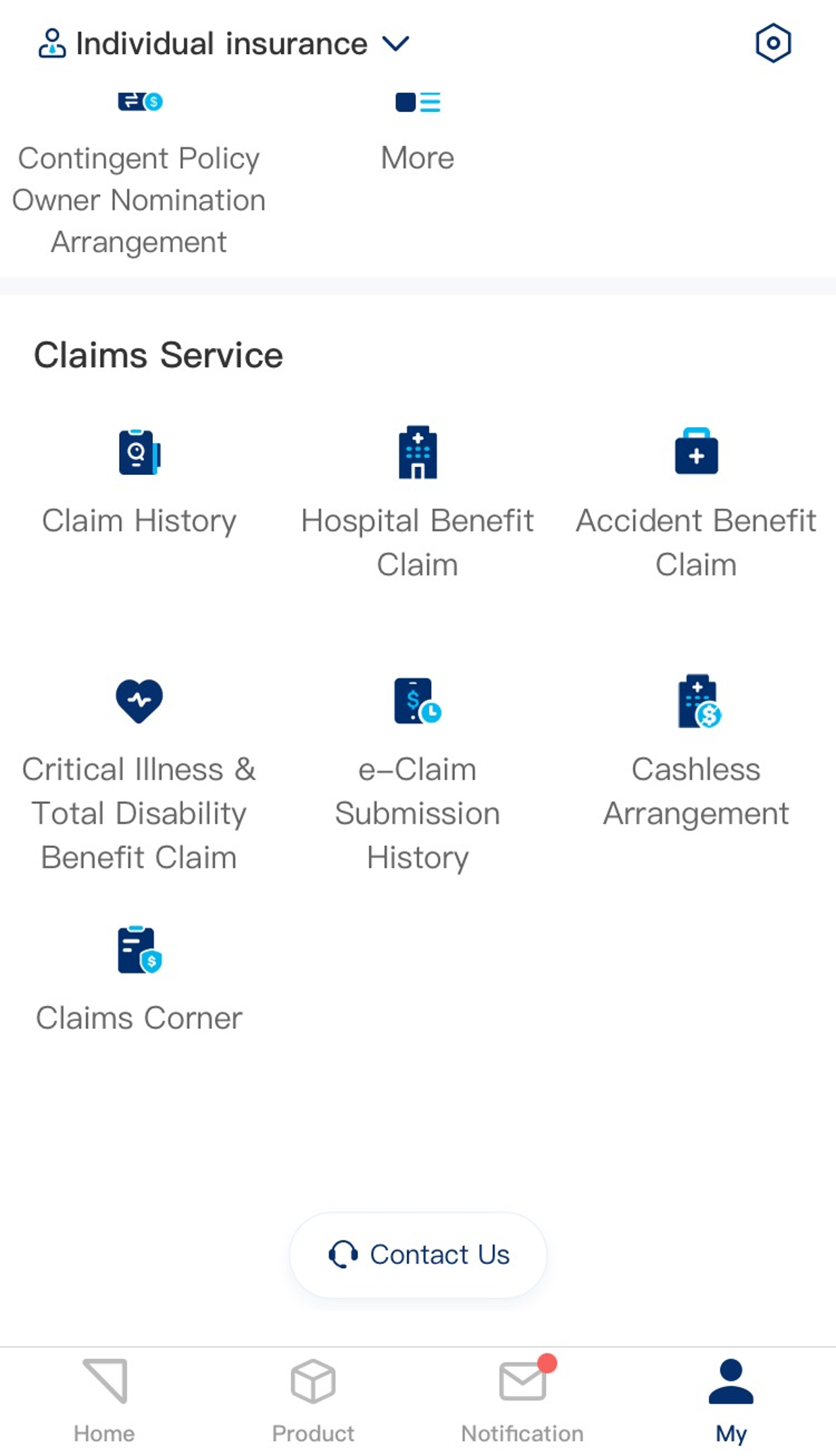

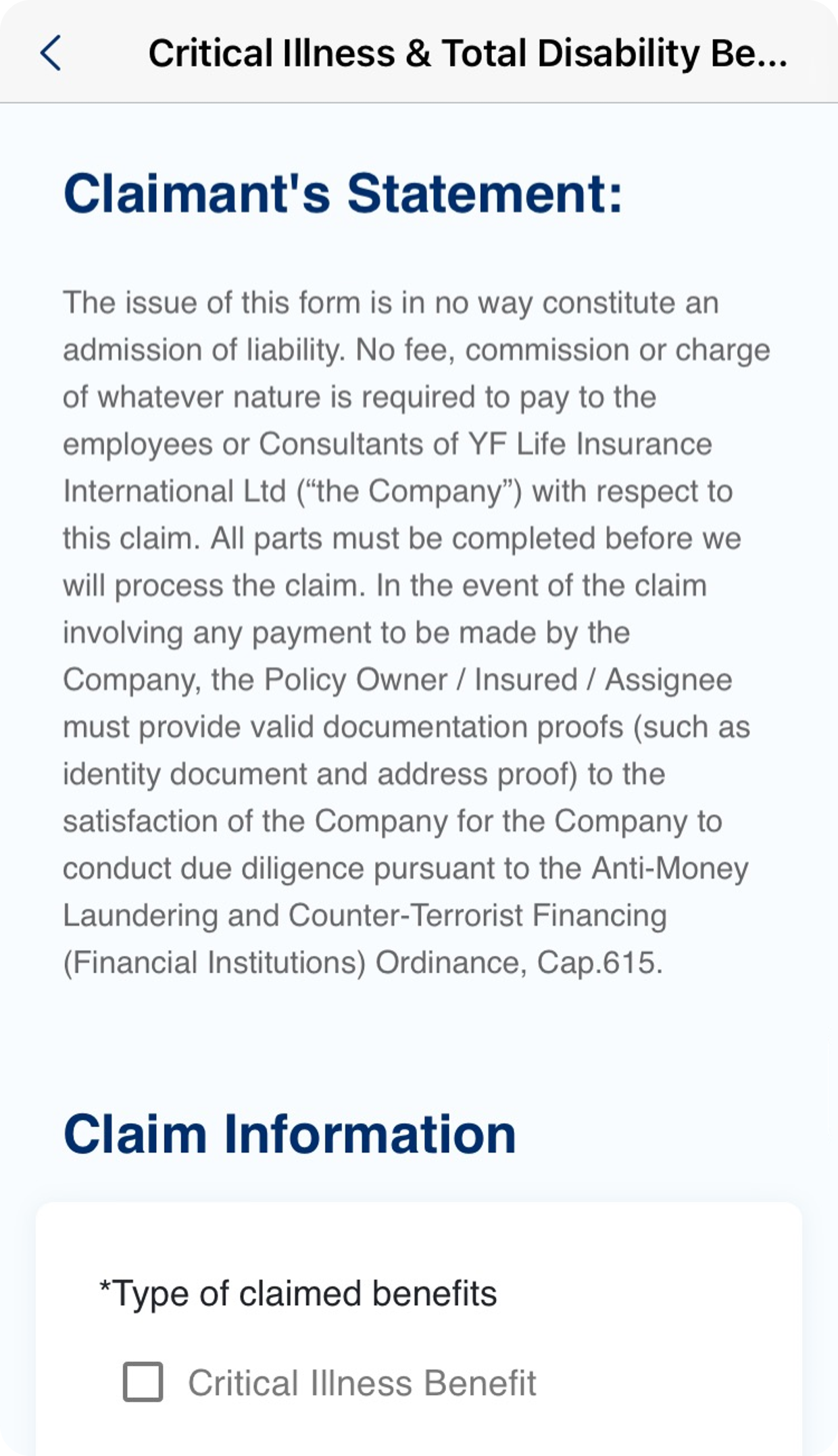

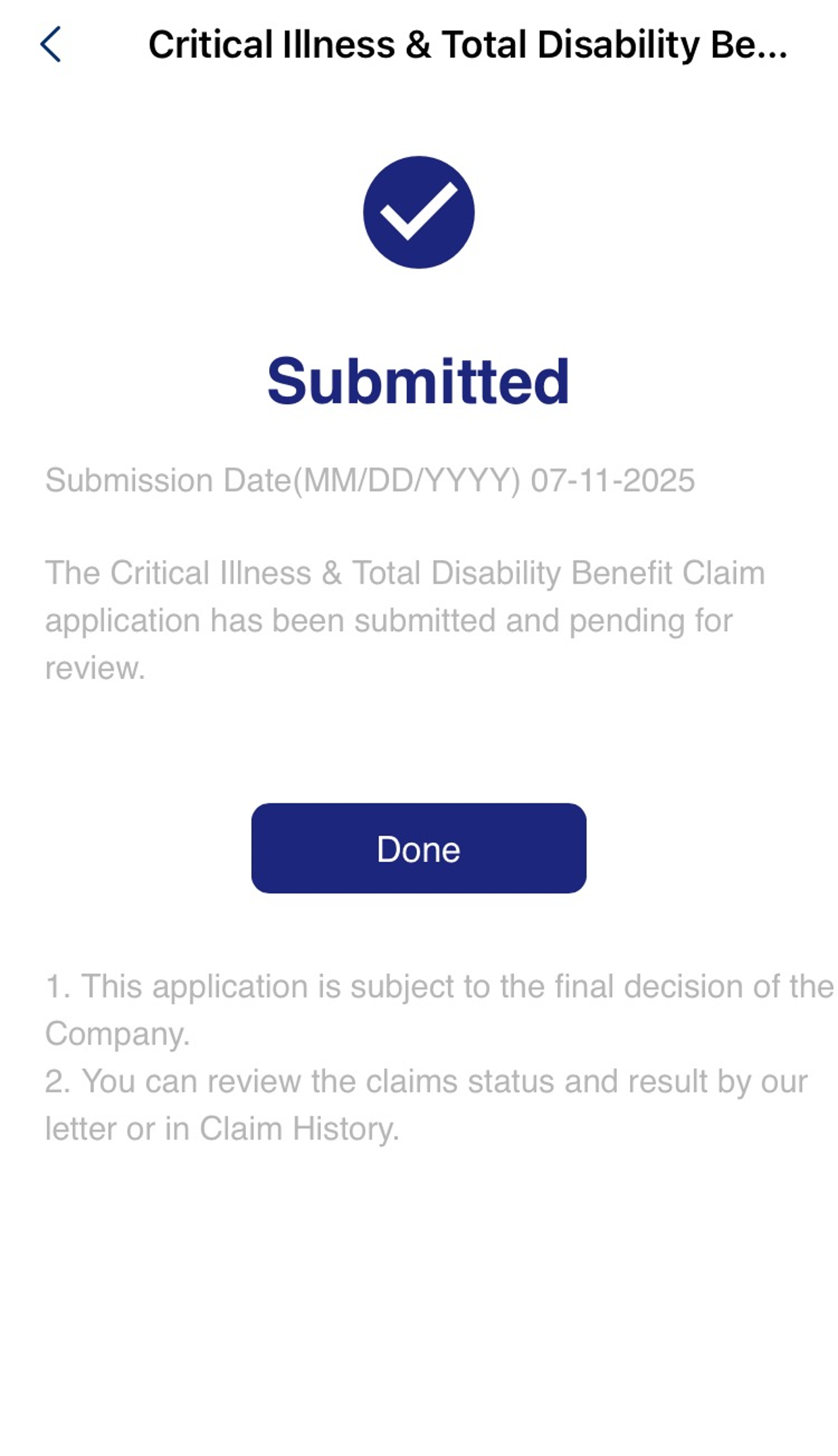

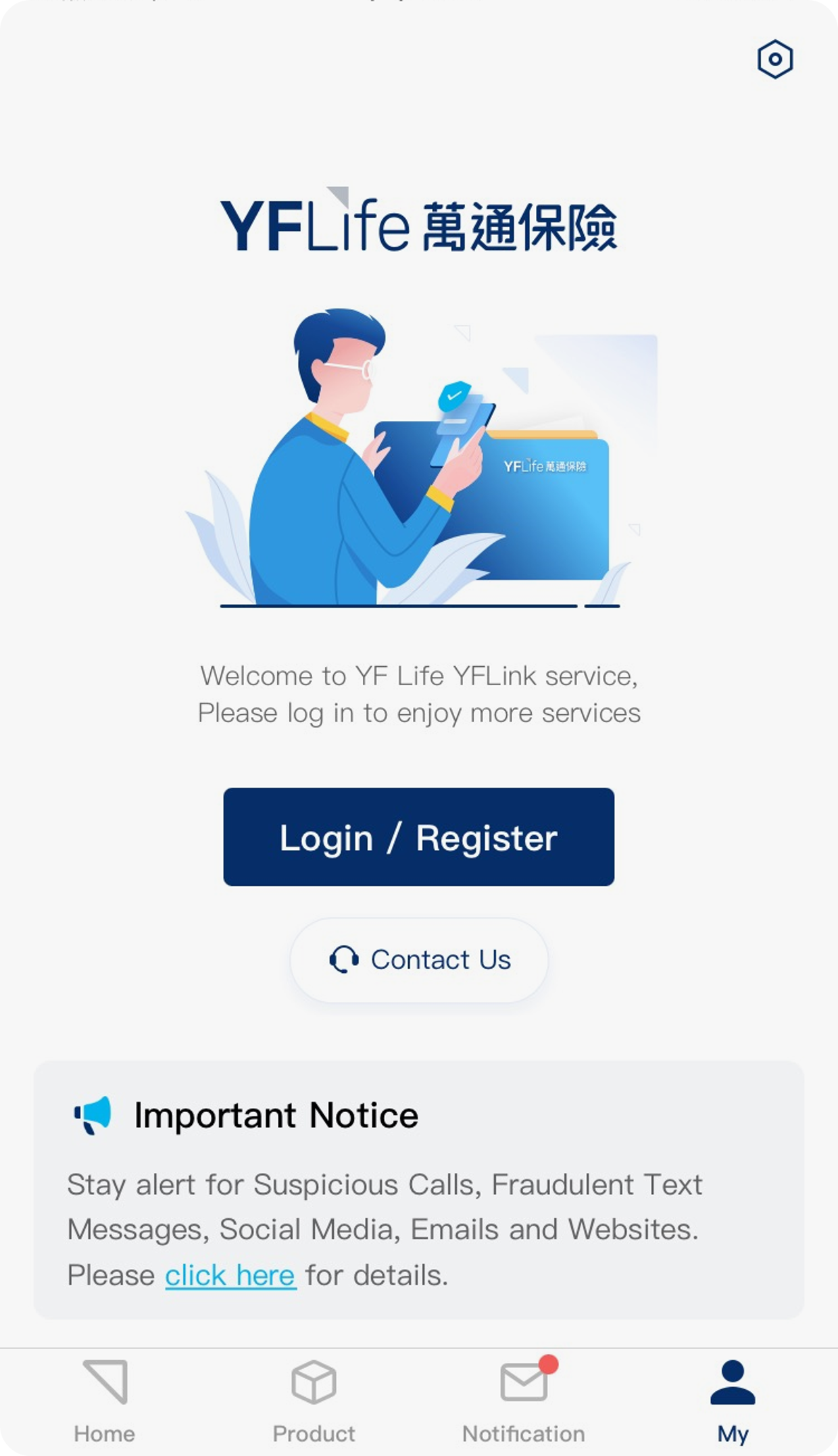

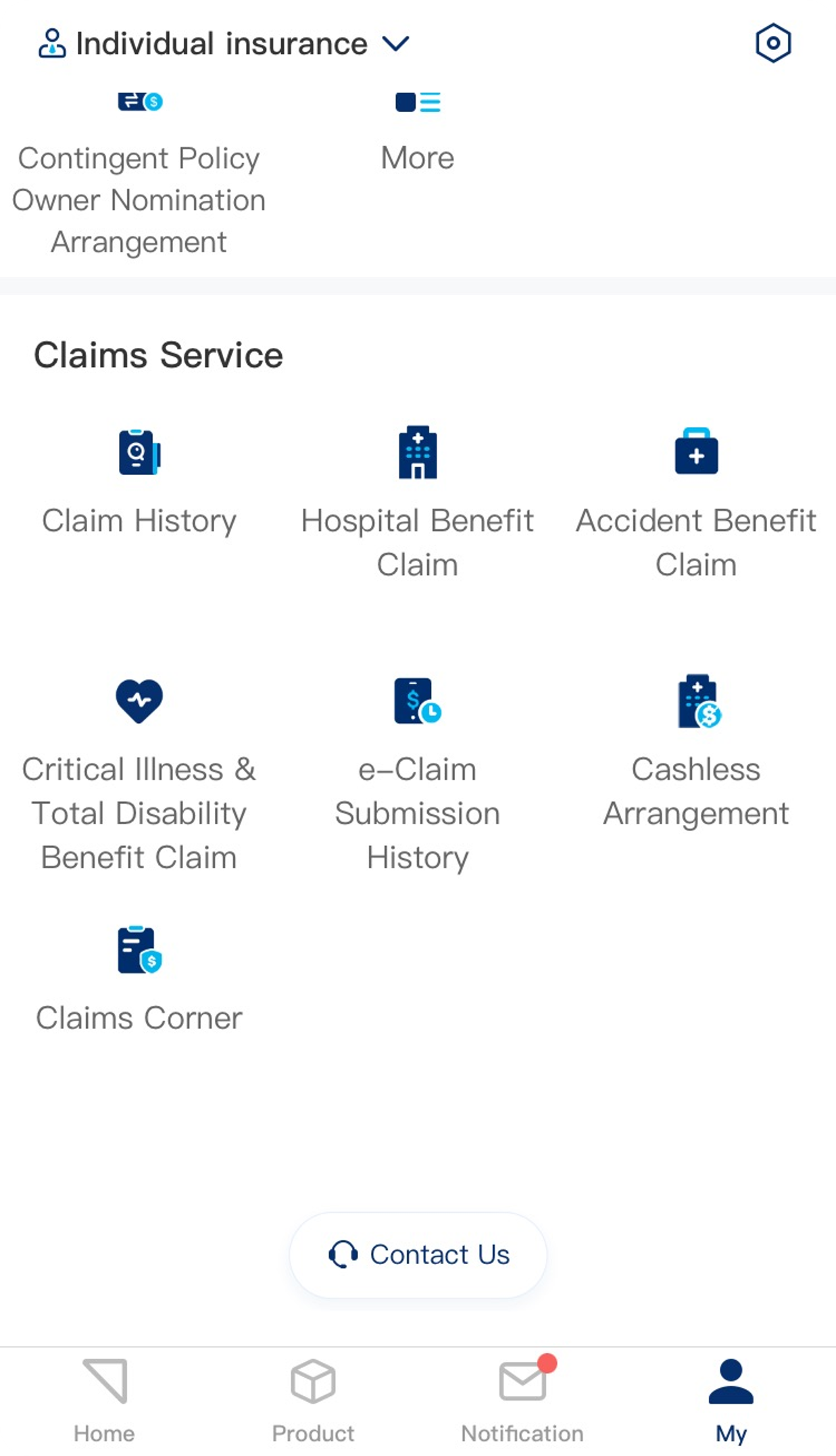

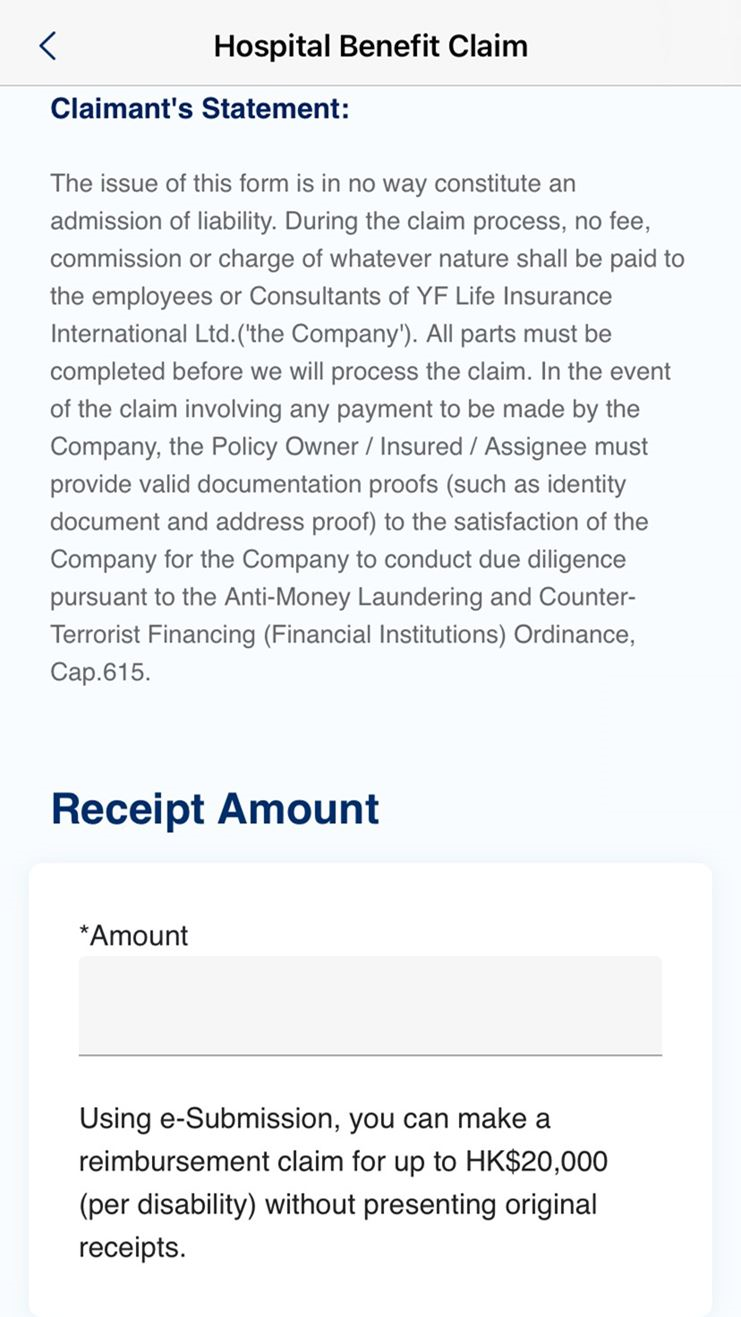

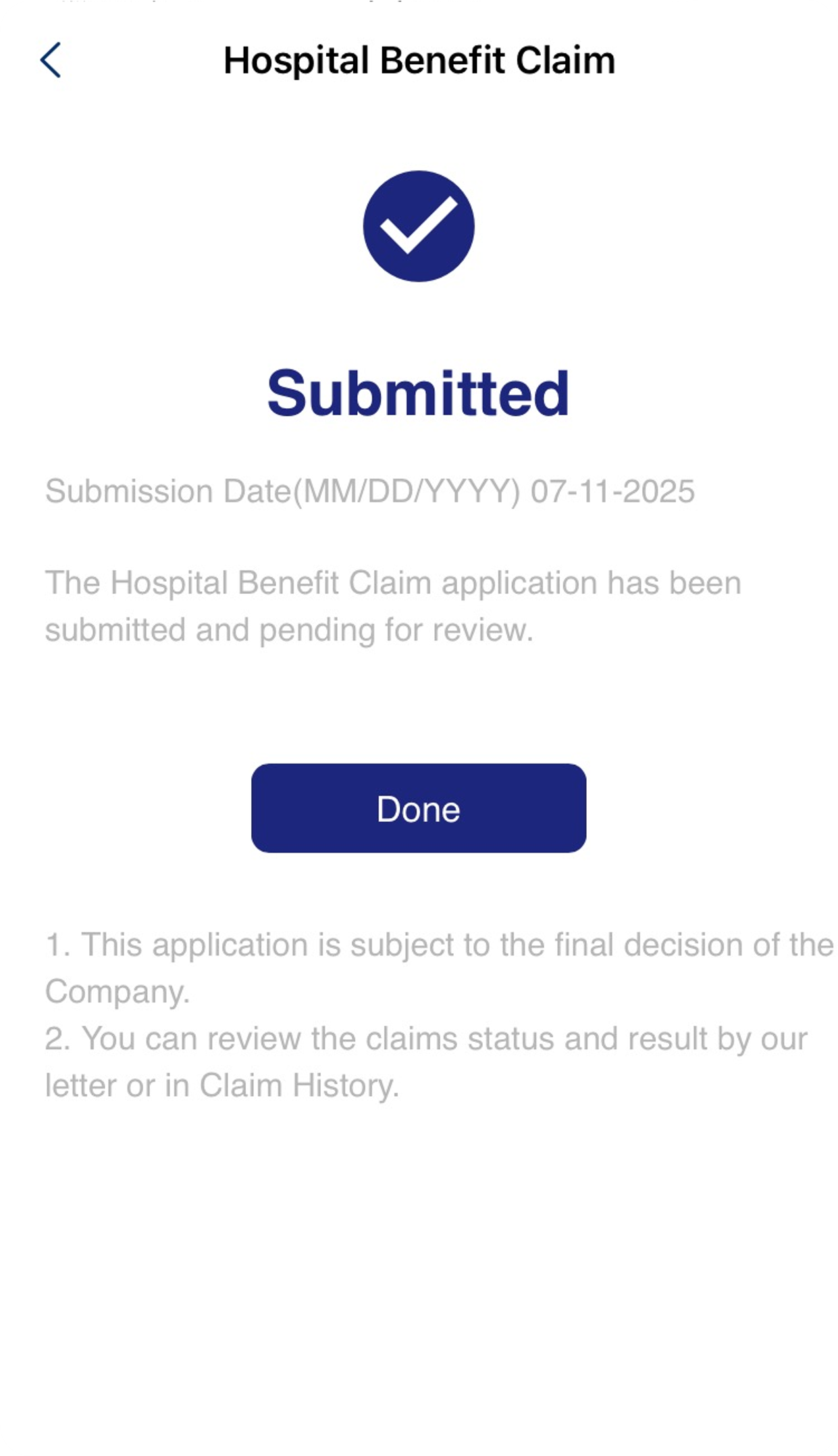
*For reimbursement claims submitted via eClaims: Original receipts are not required if the claimed amount does not exceed HK$10,000 (per illness/injury case).
*For reimbursement claims submitted via eClaims: Original receipts are not required if the claimed amount does not exceed HK$10,000 (per illness/injury case).
*For reimbursement claims submitted via eClaims: Original receipts are not required if the claimed amount does not exceed HK$20,000 (per illness/injury case).
-
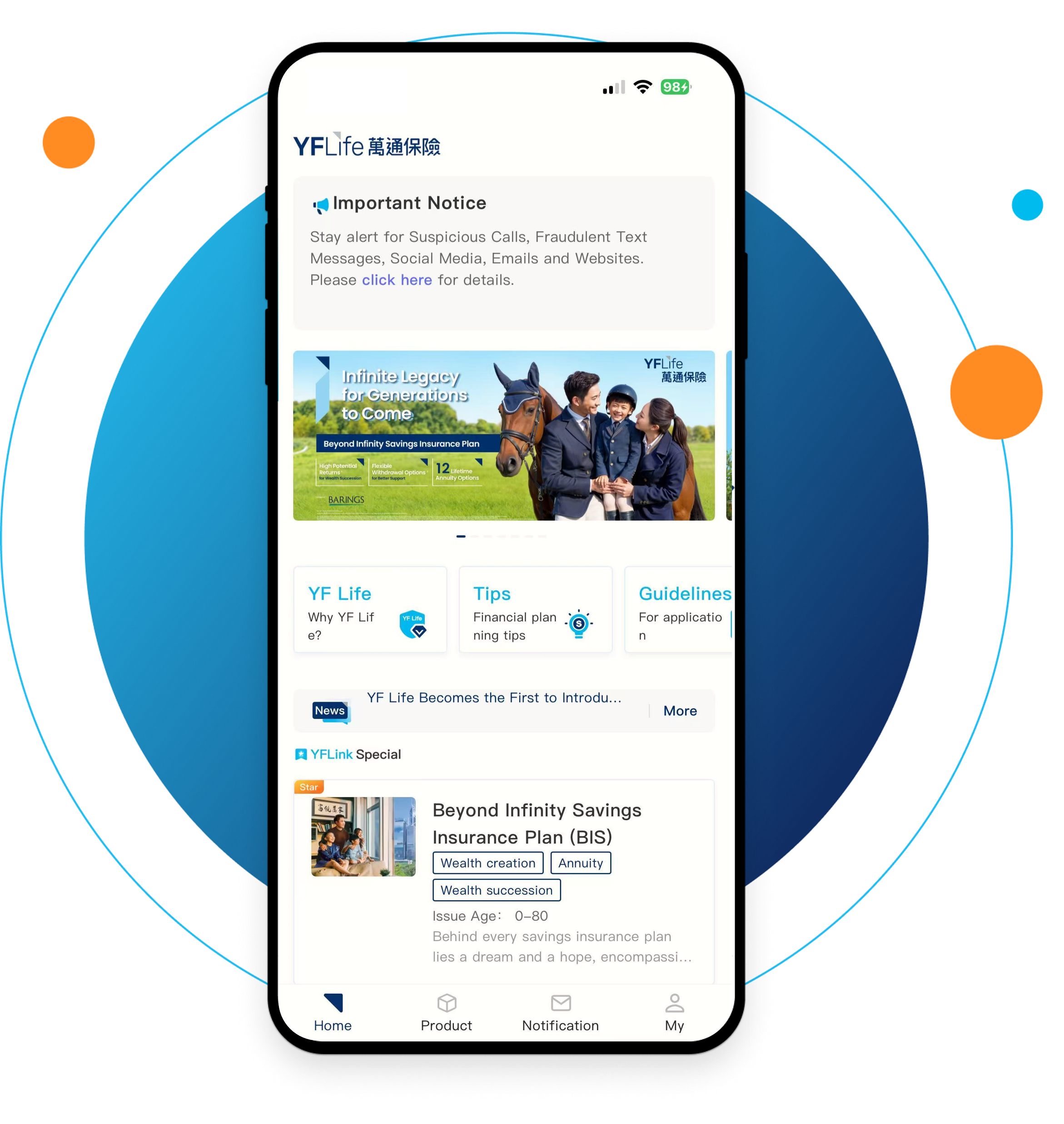
 YFLink Info-service AppYour Expert in Policy Management
 -
 YFLink Info-service AppYour Expert in Policy Management
 -
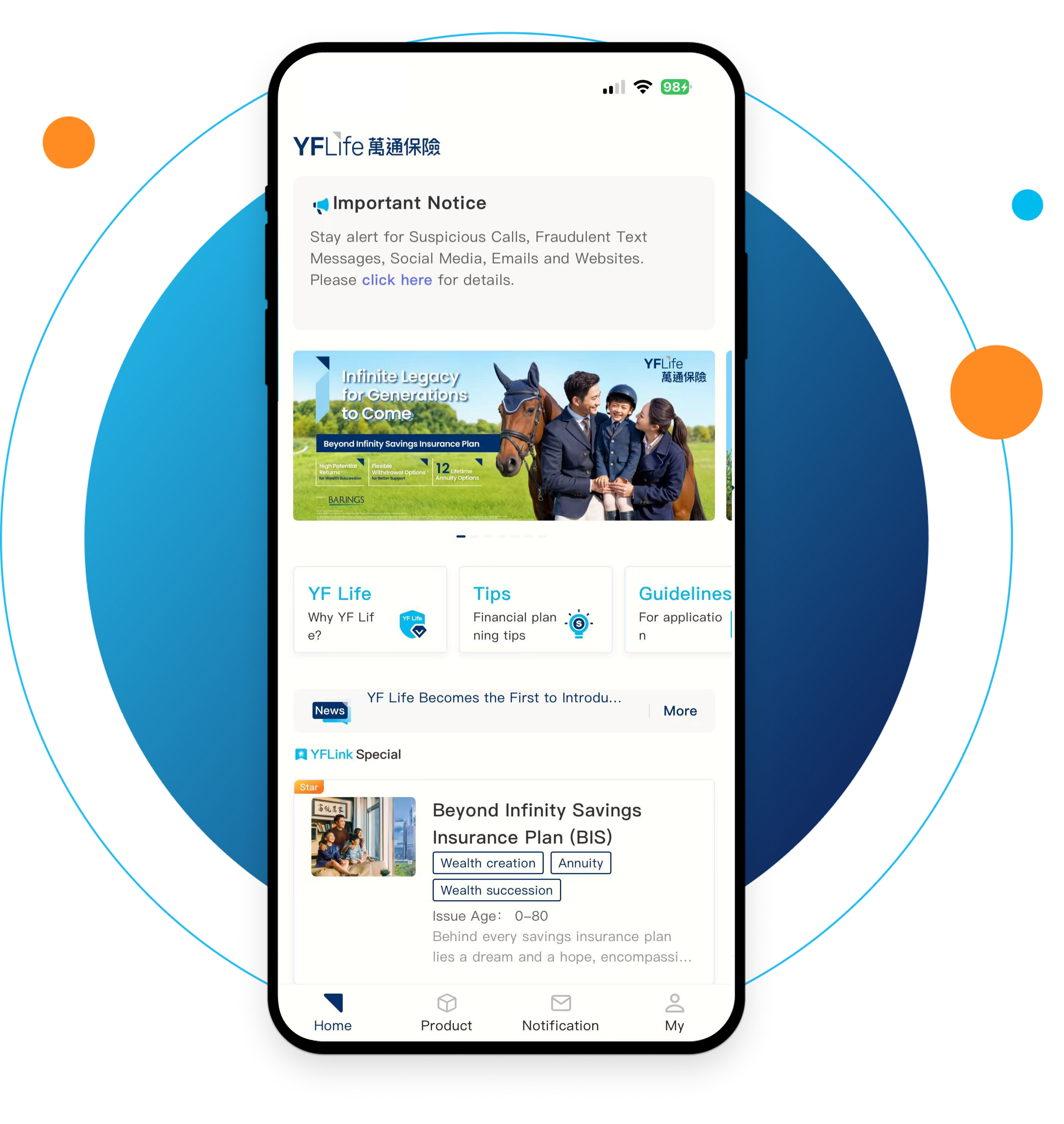 YFLink Info-service AppYour Expert in Policy Management
Useful Information







/en/support/eclaims-submission/index.html

